

Case Study
AI Ticket Resolution for SaaS Support Teams: Rollout and Metrics
AI ticket resolution works: it reliably cuts low-complexity ticket volume, drops average TTR, and lifts CSAT when configured correctly. Industry deployments show reductions vary significantly depending on scope, with some customers reporting very large drops in support queries. Success looks like fewer escalations, faster first response, and agents freed up for the tickets that actually need a human.
TL;DR:
- Automated ticket resolution can reduce low-complexity support queries by up to 80%, significantly lowering support volume and freeing agents for complex issues.
- The success of AI deployment depends on proper classification, secure grounding in customer data, and confidence thresholds, especially for high-risk actions like refunds.
- A phased rollout involving shadow mode for two to four weeks improves accuracy, helps refine categories, and prevents misroutes before going fully autonomous.
- Monitoring metrics such as resolution time, first contact resolution, escalation rate, and hours saved is essential to measure real support improvements.
- Grounding responses in live customer data and maintaining operational controls are critical to avoiding hallucination and misrouting risks in production.
Table of Contents
- What Is AI Ticket Resolution, Exactly?
- How Does AI Resolve Tickets in Practice?
- Which Metrics Actually Prove It’s Working?
- How Do You Roll Out AI Ticket Resolution Without Breaking Things?
- What Goes Wrong, and How Do You Catch It Early?
- What Does This Look Like in Production?
- What I’ve Learned Watching Teams Roll This Out
- Getting Started With Ordemio for Your Support Team
- Sources
What Is AI Ticket Resolution, Exactly?
Automated ticket resolution is not the same thing as agent assist. Agent assist gives a human suggested replies and summaries; autonomous resolution closes the ticket without a person touching it. Most SaaS support operations end up running both models side by side, and the split between them is a deliberate design decision, not an accident. Success depends on correctly classifying which tickets are “human-optional” and only automating that subset reliably.
Under the hood, every credible system has three layers:
- Intake and normalization, where the ticket text, channel metadata, and customer context get cleaned and structured.
- Classification and decision engine, where the system scores intent, urgency, and confidence.
- Execution and follow-up, where the system drafts a reply, calls an API, or hands off to a human.
That third layer only works if the model can see real account data rather than guessing. Grounding responses in customer profiles and order statuses through a secure access pattern, sometimes called an MCP-style connection, keeps the AI from inventing account details it doesn’t actually have.
How Does AI Resolve Tickets in Practice?

The mechanics break into four steps: classify, route, act, escalate.
Classification runs on a few axes at once: topic (billing, bug report, feature request), complexity, sentiment, and language. Messier categories, like “the product feels slow,” classify worse because the intent itself is fuzzy.
Routing follows one of several strategies, often layered together:
- Skill-based routing sends billing questions to billing-trained agents and technical bugs to engineers-on-call.
- Priority-based routing bumps enterprise accounts or SLA-bound tickets ahead of the queue.
- Load-balancing spreads volume evenly so no single agent drowns during a spike.
- Time-zone-aware routing matches tickets to agents actually awake to answer them.
Done well, routing decisions happen in under one second, compared to the two to five minutes a human dispatcher typically spends eyeballing and reassigning a ticket manually.
Execution ranges from cheap to ambitious. Template replies handle the simplest intents. Generative drafts handle nuanced language while still letting a human approve before sending. API-driven actions, password resets, order lookups, subscription changes, close the loop without any human step at all, and generative AI can also summarize a ticket thread or draft a knowledge article on the fly to speed up whoever handles it next.
Most teams roll through three operating modes before going fully autonomous: shadow mode (AI runs silently, humans handle everything, you compare outputs), assist mode (AI drafts, a human approves), and autonomous mode (AI acts alone once confidence clears a set threshold).
Pro Tip: Set a lower confidence threshold for read-only actions like checking an order status, and a much higher one for anything that writes to an account, like issuing a refund. A wrong answer to “where’s my order” is annoying. A wrong refund is a chargeback dispute.
Which Metrics Actually Prove It’s Working?
Five numbers matter, and sloppy definitions on any of them will make your rollout look better or worse than it actually is.
- Time to Resolution (TTR): the clock from ticket creation to confirmed resolution, not to last agent reply.
- First Contact Resolution (FCR): the share of tickets closed without a follow-up message from the customer.
- CSAT: the post-resolution satisfaction score, ideally tracked separately for AI-only versus human-assisted tickets.
- Escalation rate: how often AI-handled tickets get kicked back to a human.
- Hours saved: dispatcher and agent time reclaimed, which is where a lot of the ROI actually hides.
Manual ticket routing costs roughly two to five minutes of dispatcher time per ticket. At 10,000 tickets a month, that’s over 300 hours of pure triage work before an agent even starts solving the problem.
Realistic improvement ranges depend heavily on scope. A team that extends automation across billing, account changes, and basic troubleshooting can push toward 60% to 80%, which lines up with what Ordemio reports across its SaaS customer base.
The trap most teams fall into is counting an abandoned chat as a “resolution.” It isn’t. A ticket only counts as resolved when the customer got a real answer and either confirmed it or didn’t reopen the thread. Inflate that definition and your FCR numbers will look great right up until churn tells you otherwise.
How Do You Roll Out AI Ticket Resolution Without Breaking Things?
Treat this as a phased rollout, not a light switch.
- Audit your last 500 tickets. Map them into categories and flag where routing currently breaks down or takes too long.
- Build a small taxonomy. Start with 5 to 10 categories and merge anything with too few tickets to matter. Keep an agent skill matrix so routing logic has something real to route against.
- Run shadow mode for two to four weeks. Let the AI classify and draft responses in parallel with your human team, without customers ever seeing AI output.
- Set your accuracy bar. Do not flip auto-resolution on for a category until it clears roughly 85% accuracy in testing.
- Configure confidence gating. Use conservative thresholds for anything high-risk, and always give agents a one-click reroute option when the AI got it wrong.
- Connect your systems. Wire in the knowledge base, CRM, and billing platform. Use a guarded, secure access pattern for any action the AI executes on a customer’s behalf, rather than letting it write to systems unsupervised.
- Assign ownership and a review cadence. Someone needs to own this weekly, reading logged corrections and retraining categories that keep failing.
Start with your highest-frequency, lowest-complexity intents first, things like password resets and billing lookups, and expand the taxonomy only once you have a real log of corrections to learn from.
Pro Tip: Don’t rush past shadow mode because the dashboard looks good after week one. Give it the full two to four weeks. Shadow mode with a one-click reroute option produces the cleanest training signal you’ll get, and cutting it short is the single most common reason teams see a spike in misroutes right after launch.

What Goes Wrong, and How Do You Catch It Early?
Misroutes are the most visible failure. They usually trace back to overlapping categories or a taxonomy that’s too coarse, and the fix is almost always to merge sparse categories and retrain on the confusion cases specifically, not to add more categories.
Hallucination is the quieter risk. An AI that isn’t grounded in real account data will confidently invent an order number or a refund amount that doesn’t exist. Grounding outputs in live customer and order data through guarded APIs is the practical fix, not better prompting.
A few operational controls keep both risks contained:
- Keep audit logs on every AI decision, not just the ones that get escalated.
- Give agents a visible, low-friction reroute button, not a buried settings menu.
- Set escalation SLAs so a stuck ticket doesn’t sit for hours waiting on a human who never got notified.
- Review failed cases weekly, not quarterly. Waiting compounds errors.
High-risk write actions, like issuing a refund or changing a subscription tier, need a noticeably higher confidence threshold than read-only lookups. The same caveat applies wherever your system takes an action that’s hard to undo.
What Does This Look Like in Production?
Ordemio’s SaaS and tech customers report an average 80% reduction in incoming support queries once automation is fully tuned, alongside a claimed doubling of agent productivity and a CSAT lift of over 12%. The platform runs in 95+ languages, which matters for any team fielding tickets from a global user base without hiring native speakers for every market.
The clearest real-world example is BLZ Bet’s deployment, which cut ticket volume by 35% after Ordemio took over the bulk of repetitive, low-complexity requests. The result didn’t come from flipping a switch. It came from the same sequence covered above:
- Auditing existing ticket volume to find the highest-frequency intents worth automating first.
- Building a working taxonomy narrow enough to tune properly.
- Integrating the knowledge base and account systems so responses stayed accurate.
- Running a governance loop that kept refining categories after launch, not just before it.
What I’ve Learned Watching Teams Roll This Out
The teams that succeed treat data hygiene as the real project, not a chore before the real project starts. A messy ticket taxonomy with overlapping categories will sabotage even a well-tuned model, and no amount of prompt engineering fixes bad inputs.
The second lesson is patience with shadow mode. Every team wants to compress those two to four weeks into one. The ones that don’t rush end up with far fewer misroutes once they go live. Treat this as a pilot you keep measuring and retraining, not a project with a finish line.
— Dmitrii
Getting Started With Ordemio for Your Support Team
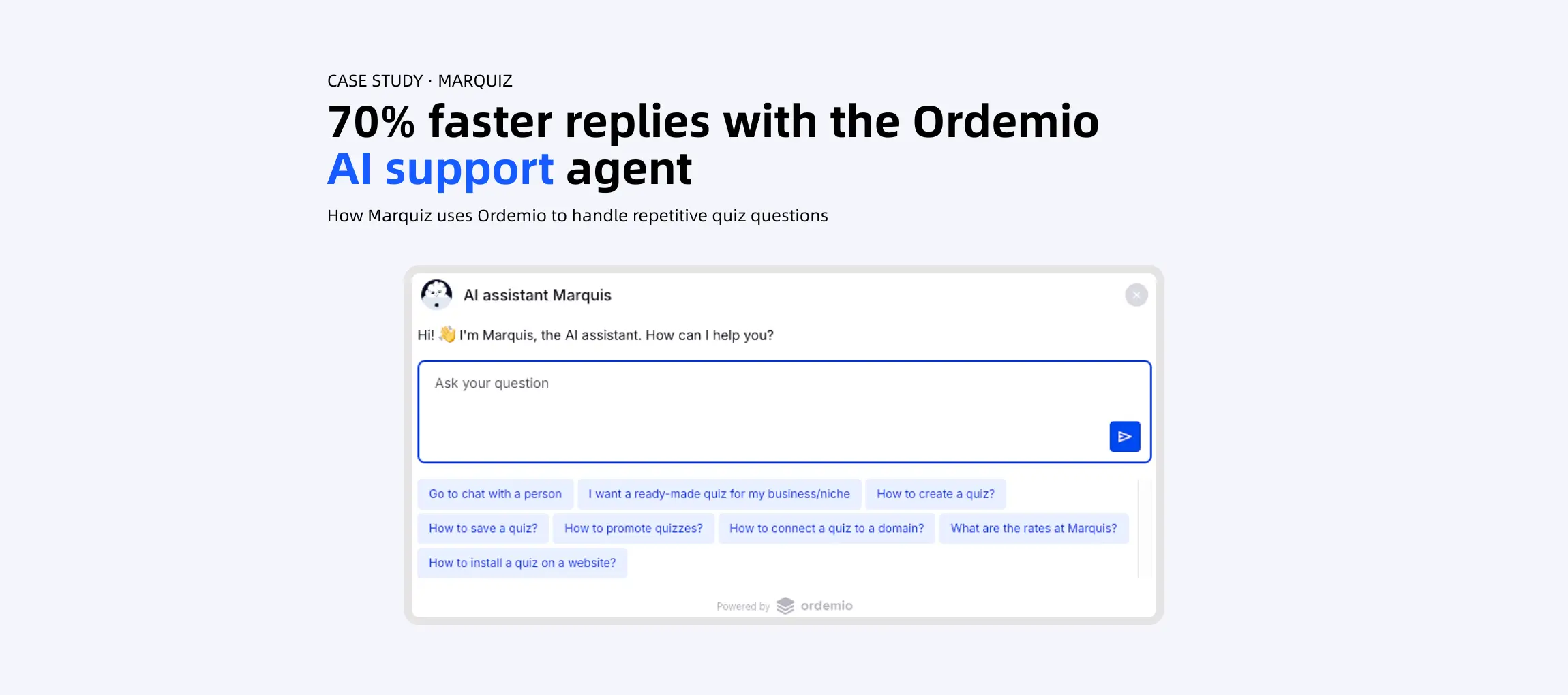
Ordemio gives SaaS support teams a faster path to automation than building classification and routing logic from scratch. It plugs directly into Zendesk as an AI copilot, drafting and, where confidence allows, sending responses grounded in your actual knowledge base and account data instead of generic templates.

Every step in the rollout checklist above maps to a real setting inside Ordemio: the taxonomy work feeds its intent categories, the knowledge base integration handles grounding, and the confidence thresholds are configurable per action, so refunds still need a higher bar than order-status lookups. Teams already running a ChatGPT-style chatbot for customer service can layer the copilot on top without re-architecting their stack.
A sensible pilot runs four weeks in shadow mode against your highest-volume ticket categories, tracking TTR, escalation rate, and CSAT before flipping anything to autonomous. If you want to see how it handles your actual questions before committing to a rollout, try the Ask AI Agent demo and test it against the tickets your team answers every day.
Sources
- Intelligent Ticket Routing: A Complete Guide | Corebee
- Enhance Ticket Responses with Generative AI - InvGate
Recommended



%201.svg)