AI Chatbots
Best Customer Support Automation Software for Freemium Products
Best Customer Support Automation Software for Freemium Products
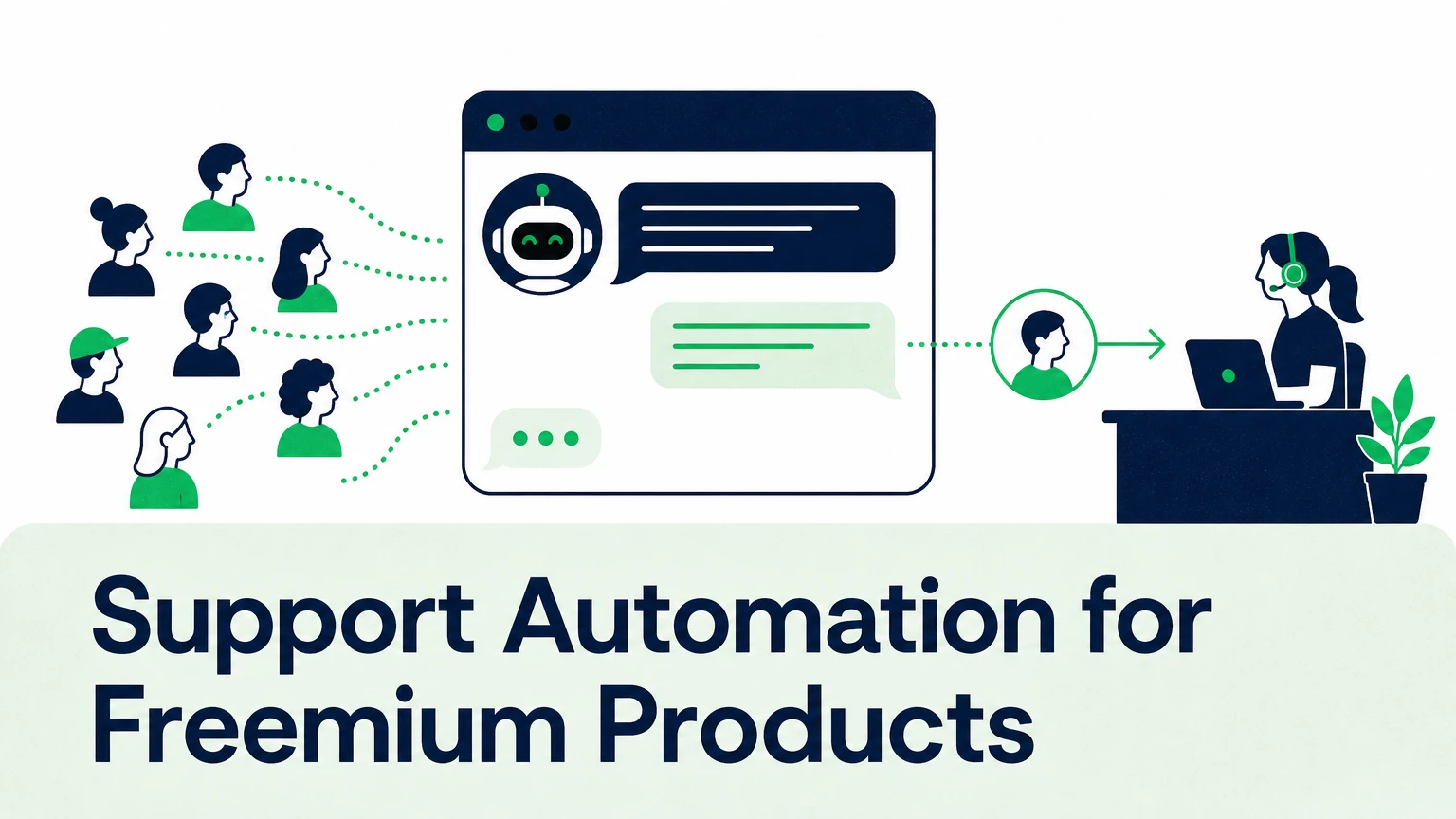
The best support automation for freemium products answers free users instantly from your own documentation, escalates paying customers to humans with full context, and costs per answer rather than per seat. That rules out most tools priced for a small team of agents serving a small base of paying accounts. Freemium flips the ratio: thousands of free users, a handful of agents, and every unanswered question a lost activation.
This guide covers what to evaluate, how the common options differ in approach, and where an AI agent grounded in your docs fits.
Why does freemium support break traditional helpdesks?
Freemium support breaks because volume scales with signups, not with revenue.
A paid-only product adds tickets when it adds customers. A freemium product adds tickets when it adds anyone.
Most of those questions are the same: how do I connect this, where is that setting, why doesn't this import work. They come from users who haven't paid and may never pay.
The usual responses both cost you. Route free users to the same queue as customers, and your first-response time slips for everyone. Cut free users off from support, and they churn before they reach the moment your product makes sense.
A slow answer to a paying customer is an SLA problem. No answer to a trial user is a conversion problem — and it never shows up in your ticket metrics.
What should support automation for freemium products actually do?
Support automation for freemium products should resolve the repetitive majority without a human, and route the rest to a human with context.
In practice, that breaks down into five jobs:
- Answer from your sources. Help center, product docs, API references, files, videos. Not from the model's general training.
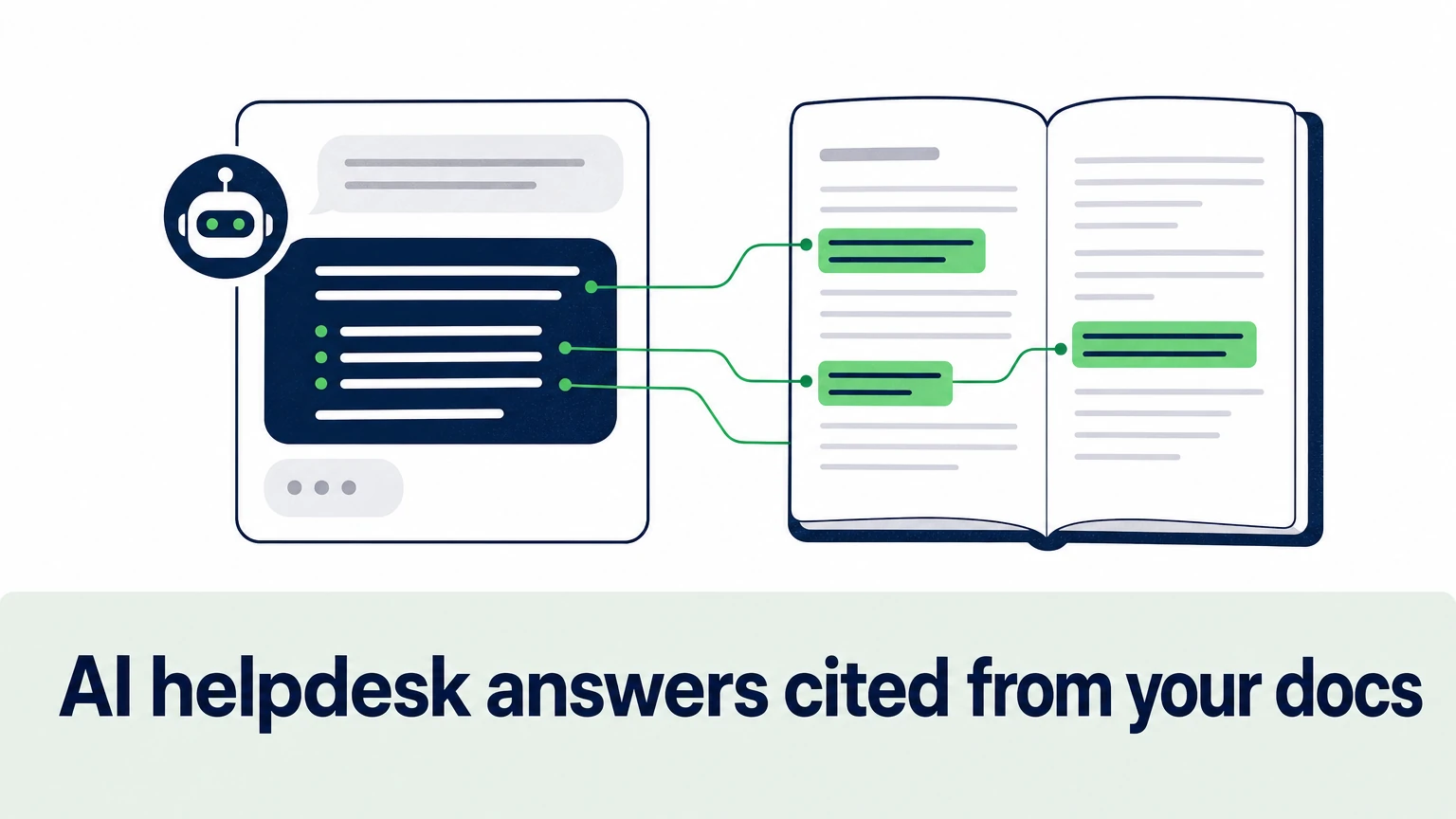
- Show its sources. Citations let users verify an answer and let your team audit it.
- Live where users get stuck. In-app widgets, the help center, community channels like Discord and Slack — not only an email inbox.
- Hand off cleanly. When the question needs a human, the agent passes the conversation and context so nobody asks the user to repeat themselves.
- Report the gaps. Recurring unanswered questions point straight at missing docs or confusing UI.
The order matters. A tool that hands off well but answers poorly just moves the queue around. A tool that answers confidently but without grounding creates a different problem.
A wrong answer about where a setting lives is annoying. A wrong answer about billing or data deletion is a support escalation and a trust problem.
How do customer support software options for freemium SaaS compare?
Customer support software for freemium SaaS falls into three approaches: full helpdesk suites, chat-first tools, and documentation-grounded AI agents.
| Approach | Typical examples | Strength for freemium | Watch for |
|---|---|---|---|
| Full helpdesk suite | Zendesk, Intercom | Ticketing, routing, reporting in one system | Pricing tied to agent seats and add-ons |
| AI-first resolution platforms | Ada, Forethought | Automation as the core product | Fit and pricing for smaller teams |
| Chat and ecommerce-focused tools | Tidio, Gorgias | Fast setup for live chat | Depth on technical, docs-heavy questions |
| Docs-grounded AI agent layer | Ordemio | Cited answers from your docs, per-answer pricing | Needs a helpdesk or channel to plug into |
These categories aren't exclusive. Many teams keep their helpdesk for ticketing and add an AI layer on top for the free-user volume.
Treat this as an architecture decision, not a vendor swap. The question isn't which tool replaces your helpdesk. It's which layer absorbs the volume your agents shouldn't be touching.
What matters most in support tools for free plan users?
The support tools for free plan users that work best share three traits: grounded answers, pricing that scales with usage, and always-on coverage.
Grounding. The agent should answer only from content you control. Free users ask the same setup questions in a hundred phrasings, and a grounded agent gives the same correct answer every time. An ungrounded one improvises.
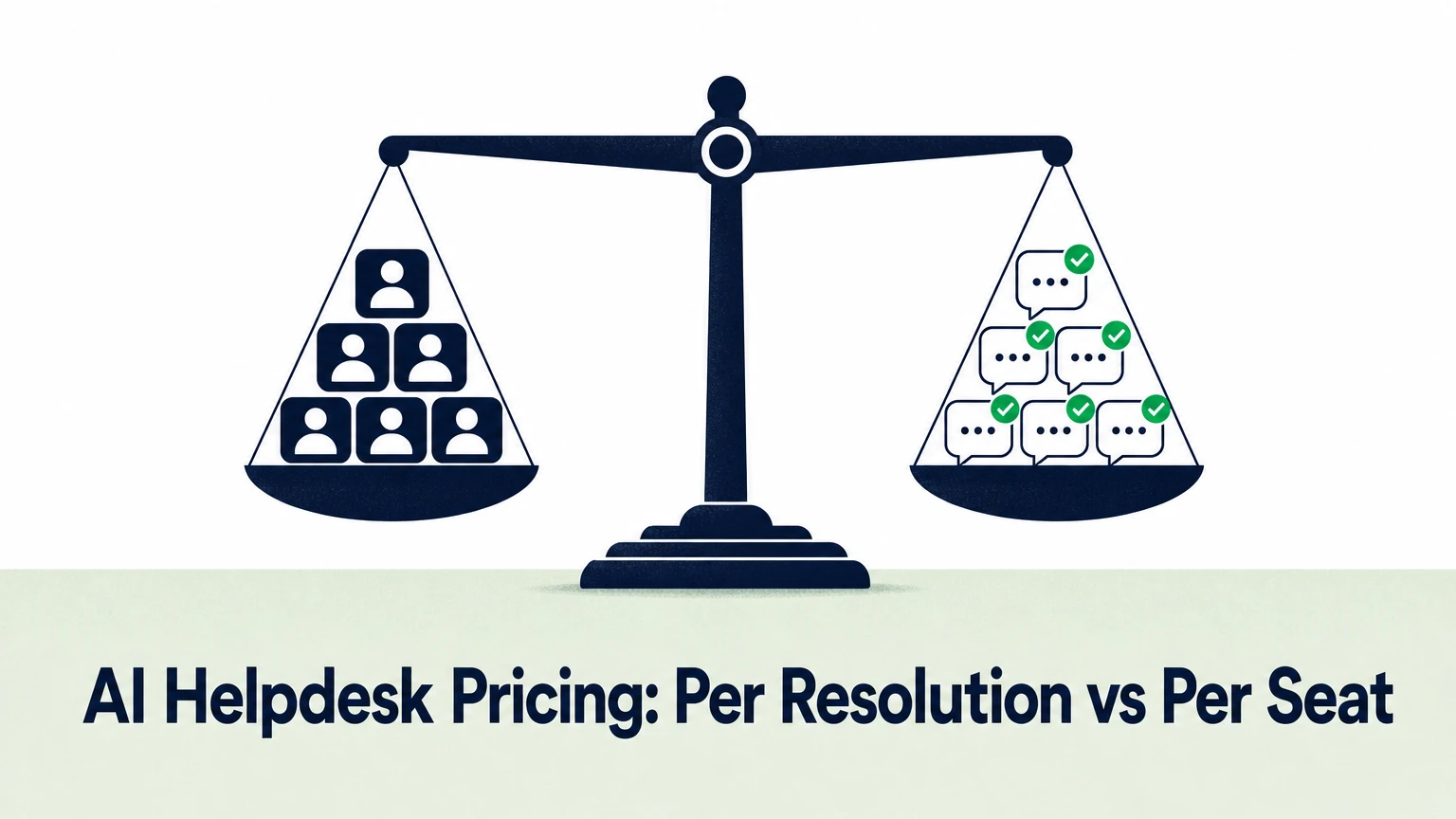
Pricing model. Per-seat pricing assumes a human handles each conversation. For free users, that assumption is the problem. Per-answer or usage-based pricing ties cost to the work actually done.
Coverage. Free users sign up at all hours and from all regions. Multilingual answers and 24/7 availability matter more here than for an enterprise account with a named CSM.
Escalation rules. You decide which users and which topics reach a human. Paying customers, billing disputes and bug reports go to the queue. "How do I export a CSV" doesn't.
Where does in-app support automation make the biggest difference?
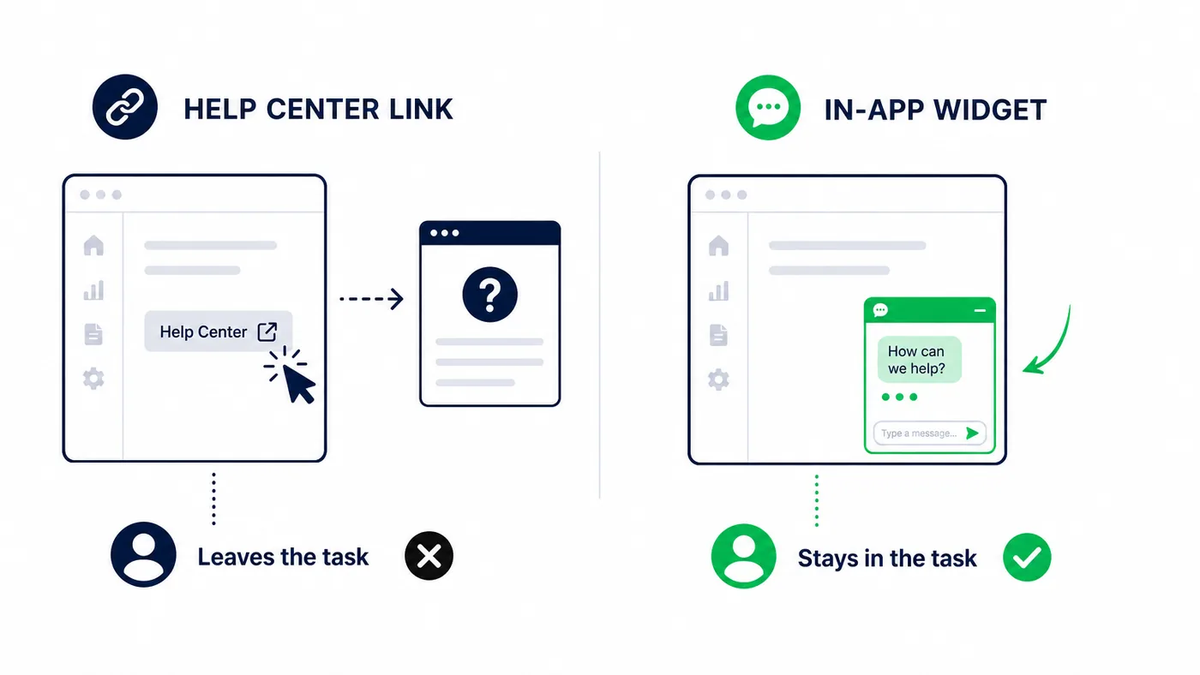
In-app support automation makes the biggest difference at the moment a user gets stuck inside the product, because that's when they decide whether to keep going.
A help center link sends users away from the task. An in-app widget answers them on the screen where the question started.
Three moments carry most of the weight in a freemium funnel:
- First setup. Connecting data, inviting teammates, configuring the first workflow.
- First limit. Hitting a plan cap and needing to understand what changes on upgrade.
- First error. An integration fails or an import breaks, and the user needs a fix, not a ticket number.
Technical and developer-tool products feel this most. Users need actionable answers with code examples or exact API parameters, and they need them now. A cited answer pointing to the exact section of your API reference beats a generic reply every time.
How Ordemio handles support for freemium products
Ordemio is a no-code AI customer support platform built for SaaS and technology companies, including product-led and freemium businesses.
It turns your help center, product docs, API references, files, Google Docs and videos into a support agent that answers from those sources — and only those sources.
For free and trial users, the Ask AI agent for docs-grounded answers gives line-cited responses across your website, developer docs, in-product interface and community. Users see where each answer came from. Your team can check it.
When a question needs a human, the Ordemio AI Support Agent hands off with full context. It connects to Intercom, Zendesk, Freshdesk, Discord, Slack, webhooks and APIs, so it extends the stack you already run. It can also execute customer-specific actions through APIs, webhooks or MCP (Model Context Protocol) servers.
For agents working the paid queue, the Zendesk copilot drafts, refines and translates knowledge-grounded replies inside the ticket composer, with agent review before anything is sent.
Pricing follows usage, not headcount:
- Ask AI Agent: free with your own OpenAI API key; paid plans from $49/month.
- AI Support Agent: Startup $49/month, Growth from $299/month, Elite custom; $0.10 per answer after included monthly limits.
Answers run in 95+ languages with consistent tone and terminology. Conversation analytics surface recurring questions and content gaps, so your docs get better as volume grows.
How do you roll out support automation without hurting conversion?
Roll out support automation in stages, starting with the questions you already answer the same way every time.
- Audit your last month of tickets. Tag the repetitive setup and how-to questions.
- Connect the sources that answer them. Help center, docs, API references.
- Launch on one channel first. The help center or in-app widget, where free users already look.
- Set escalation rules. Billing, bugs and paying accounts go to humans.
- Review answers and gaps weekly. Fix the docs behind every unanswered question.
Automation for freemium isn't a light switch. It's a loop: answer, measure, fix the source, answer better.
If you also run a public site with pre-sales traffic, a custom AI chatbot for customer service can cover visitors before they sign up, using the same grounded knowledge.
FAQ
Is AI support automation safe for free users who ask technical questions?
It is when the agent is grounded. A grounded agent answers only from your docs and API references, cites the source, and escalates when it can't find an answer. The risk comes from tools that answer from general model knowledge. For technical products, require citations and a clear handoff path before you put any AI in front of users.
Should free users get access to human support at all?
Usually, yes — but by exception, not by default. Let the AI resolve setup and how-to questions, and route bug reports, account issues and billing questions to humans. That keeps your queue focused on problems only people can solve, while free users still get unblocked fast enough to reach activation.
Do I need to replace my helpdesk to automate freemium support?
No. Most teams keep Zendesk, Intercom or Freshdesk for ticketing and add an AI agent on top. The agent absorbs the repetitive volume across the help center, app and community, and passes complex cases into the existing queue with context. Your workflows, macros and reporting stay where they are.
How should I measure success for in-app support automation?
Track the share of conversations resolved without a human, first-response time for the human queue, and the questions the agent couldn't answer. For freemium, also watch activation and trial-to-paid conversion for users who used in-app support. The unanswered-questions list is the most useful output: it's your documentation backlog.
Start with the questions you already answer
Your free users are asking the same questions your agents answered yesterday. Do you want a human typing those answers again?
Ordemio turns your existing docs into cited, always-on answers for free users and keeps humans on the conversations that need them. See how it works at ordemio.com.