AI Chatbots
Best AI Customer Support Software for Growing SaaS Companies
Best AI Customer Support Software for Growing SaaS Companies
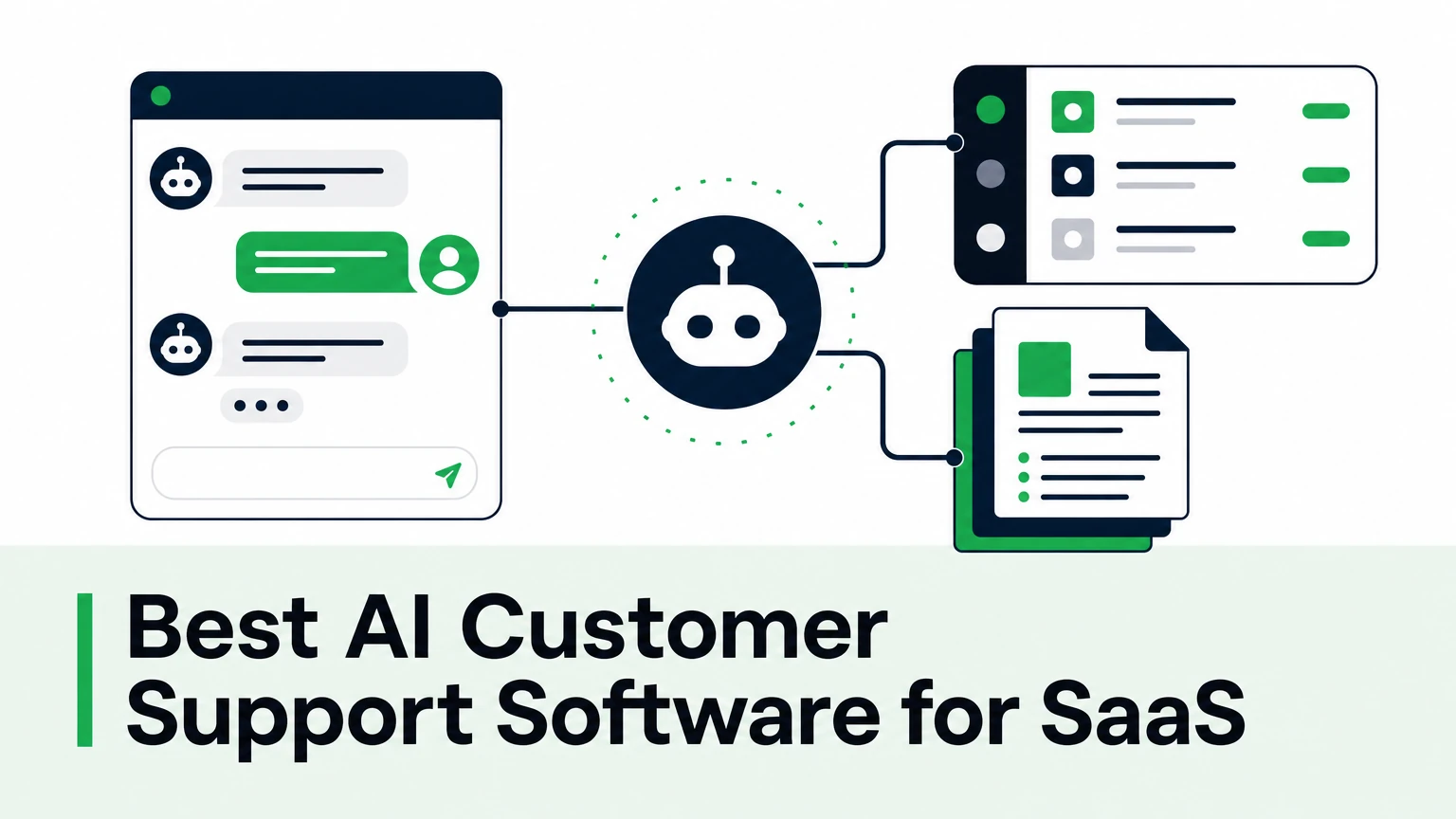
The best AI customer support software for SaaS is the one that answers from your own documentation, works inside the helpdesk your team already uses, and hands complex cases to a human with full context. Feature lists matter less than those three things. This guide gives you the criteria, the main categories of tools, and a rollout plan you can test in a week.
What makes AI customer support software right for a SaaS company?
SaaS support is different from retail support. The questions are technical, the product changes every sprint, and a wrong answer costs more than a delayed one.
A wrong answer to "where's my invoice" is annoying. A wrong answer about an API rate limit is a broken integration and a churn risk.
That shifts what you should evaluate. Generic chatbots built for order tracking struggle with onboarding flows, developer docs, and edge cases in your product logic.
For a growing SaaS company, AI customer service tools need to cover five jobs:
- Grounded answers. Every reply comes from your help center, docs, files, and API references — not from the model's general knowledge.
- Helpdesk fit. The AI works inside Zendesk, Intercom, Freshdesk, or wherever your tickets already live.
- Human handoff. Complex or sensitive cases escalate to an agent with the conversation history attached.
- Actions, not just answers. The AI can check an account, trigger a webhook, or call an API instead of telling the customer to contact support.
- Analytics. You see which questions repeat, where the docs have gaps, and which answers failed.
Which types of AI support tools should SaaS teams compare?
Most options fall into three categories. Knowing which one you need cuts the shortlist faster than any feature matrix.
| Category | What it is | Best fit |
|---|---|---|
| Helpdesk-native AI | AI features sold by your helpdesk vendor, inside its own platform | Teams fully committed to one helpdesk |
| Standalone AI support agent | An AI layer that connects to your helpdesk, website, and community channels | Teams that want one AI across several tools and channels |
| Agent copilot | AI that drafts and refines replies for human agents, who approve before sending | Teams that need human review on every reply |
Helpdesk vendors such as Zendesk and Intercom offer their own AI. Specialist platforms such as Ada and Forethought focus on AI automation. Tools such as Tidio and Gorgias are common picks among smaller and ecommerce-leaning teams.
None of these is automatically right or wrong. The question is where your knowledge lives and where your customers ask.
If your docs sit in one place, your tickets in another, and your community in Discord or Slack, a standalone AI support agent avoids locking your AI into a single vendor.
If you need every reply reviewed, start with a copilot. Automation can come later, once you trust the drafts.
How should you evaluate an AI helpdesk for SaaS companies?
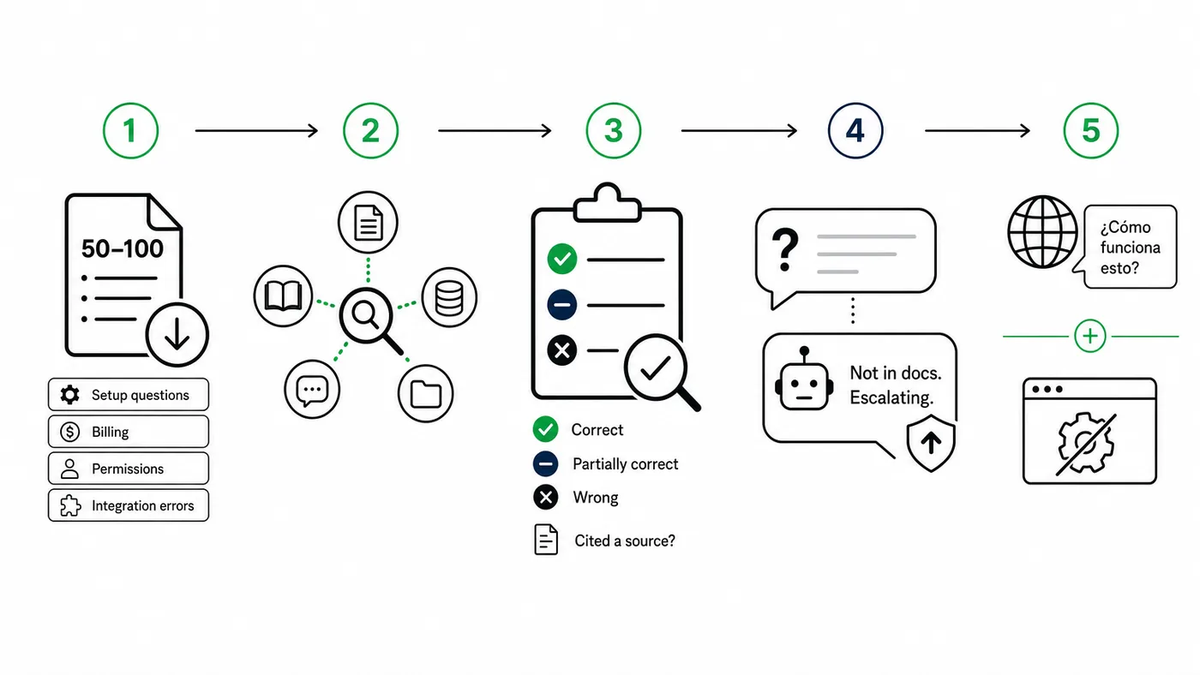
Run every vendor through the same five-step test. Use your real tickets, not the vendor's demo data.
Step one: export 50–100 recent tickets, picking the repetitive ones — setup questions, billing, permissions, integration errors. Step two: connect your actual sources, whatever your agents search today. Step three: replay the tickets and score each answer as correct, partially correct, or wrong, checking whether it cited a source. Step four: test the handoff with a question the docs don't cover — the AI should say so and escalate, not guess. Step five: check the edges by asking in a second language or about a feature you deprecated last quarter.
Start with the accuracy test, not the integration list. Integrations are easy to add later. A habit of inventing answers is not.
Why grounding matters more than model choice
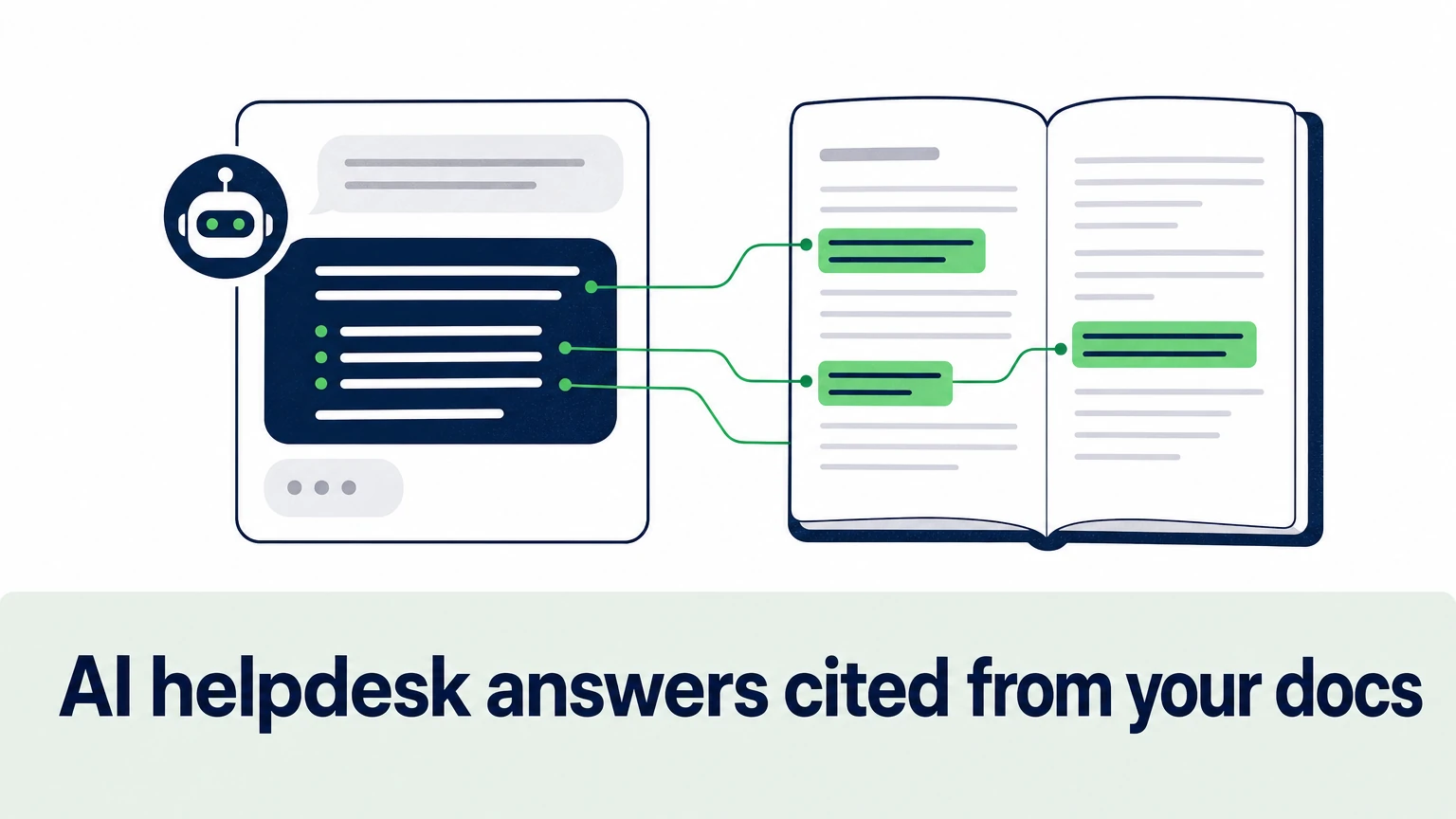
Grounding means the AI answers only from the sources you connect. When the answer isn't there, it says so and hands off.
This is the single biggest difference between tools. Two products can use the same underlying model and behave completely differently.
The risk of inaccurate or hallucinated AI responses is the top reason support leaders hesitate. The fix is architecture, not better prompting.
Look for three things in a demo:
- Citations on every answer, linking to the doc it came from.
- A clear "I don't know" path that triggers escalation.
- Controls for tone, terminology, and policy, so answers stay consistent across agents and languages.
For technical products, the same rule applies to developer docs. An AI that reads your API reference should return the exact parameter, not a plausible guess.
How Ordemio covers SaaS support end to end
Ordemio is a no-code AI customer support platform built for SaaS and technology companies. It automates frontline support, drafts and resolves helpdesk tickets, and hands complex issues to human agents with context.
The Ordemio AI support agent for customer service learns from your websites, help centers, files, Google Docs, videos, and API documentation. It answers in 95+ languages and keeps your tone and product terminology consistent.
It connects to Intercom, Zendesk, Freshdesk, Discord, Slack, webhooks, and APIs. That means one AI across your helpdesk, website, in-product widget, email, and community.
It also acts. Through APIs, webhooks, or MCP (Model Context Protocol) servers, the agent can run customer-specific actions instead of only describing them.
For teams that want human review on every reply, the AI agent copilot for Zendesk drafts, refines, and translates grounded replies inside the ticket composer. Agents approve before anything is sent.
Pricing is published:
- Startup: $49/month
- Growth: from $299/month
- Elite: custom
- Overage: $0.10 per answer after included monthly limits
Analytics surface recurring issues and content gaps, so your docs improve with every week of conversations.
How do you roll out AI support without breaking your SLAs?
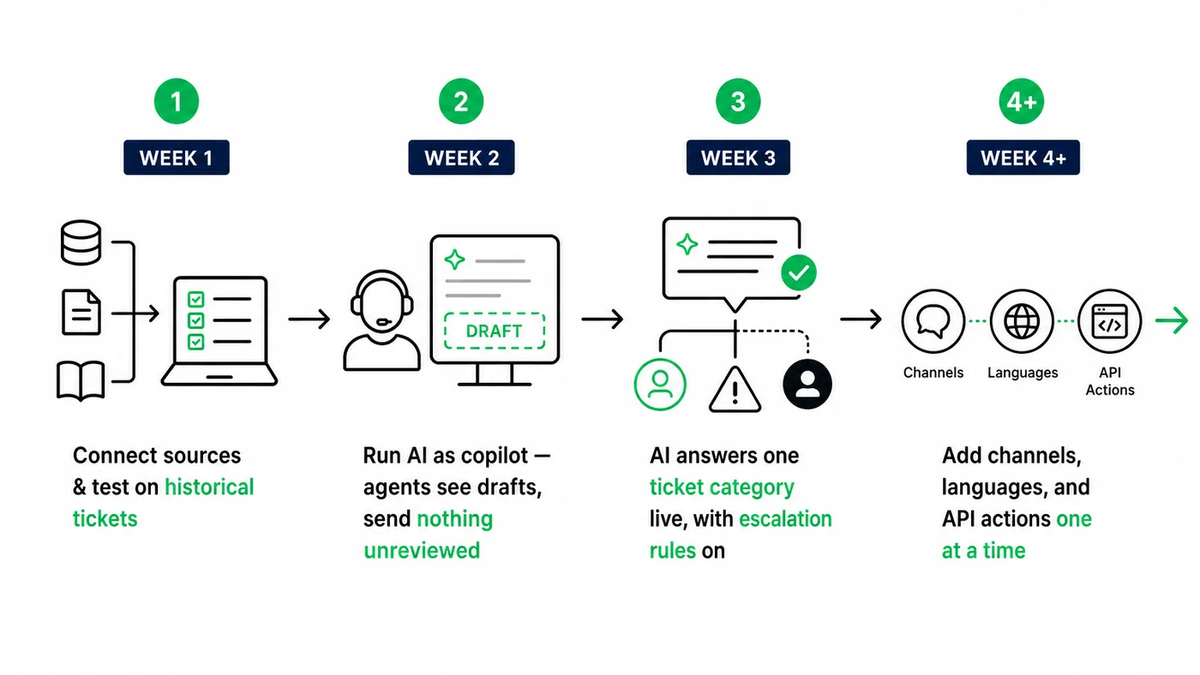
Roll out in stages. Treat this as a controlled migration, not a launch-day switch.
Start with one channel and one category of repetitive tickets. Keep humans in the loop on everything else. Expand only after the answers hold up under review.
A practical sequence: in week 1, connect sources and test on historical tickets. In week 2, run the AI as a copilot — agents see drafts and send nothing unreviewed. In week 3, let the AI answer one ticket category live, with escalation rules on. From week 4 onward, add channels, languages, and API actions one at a time.
Measure first response time, resolution time, and escalation rate at each stage. Your SLA (service level agreement) targets are the guardrail.
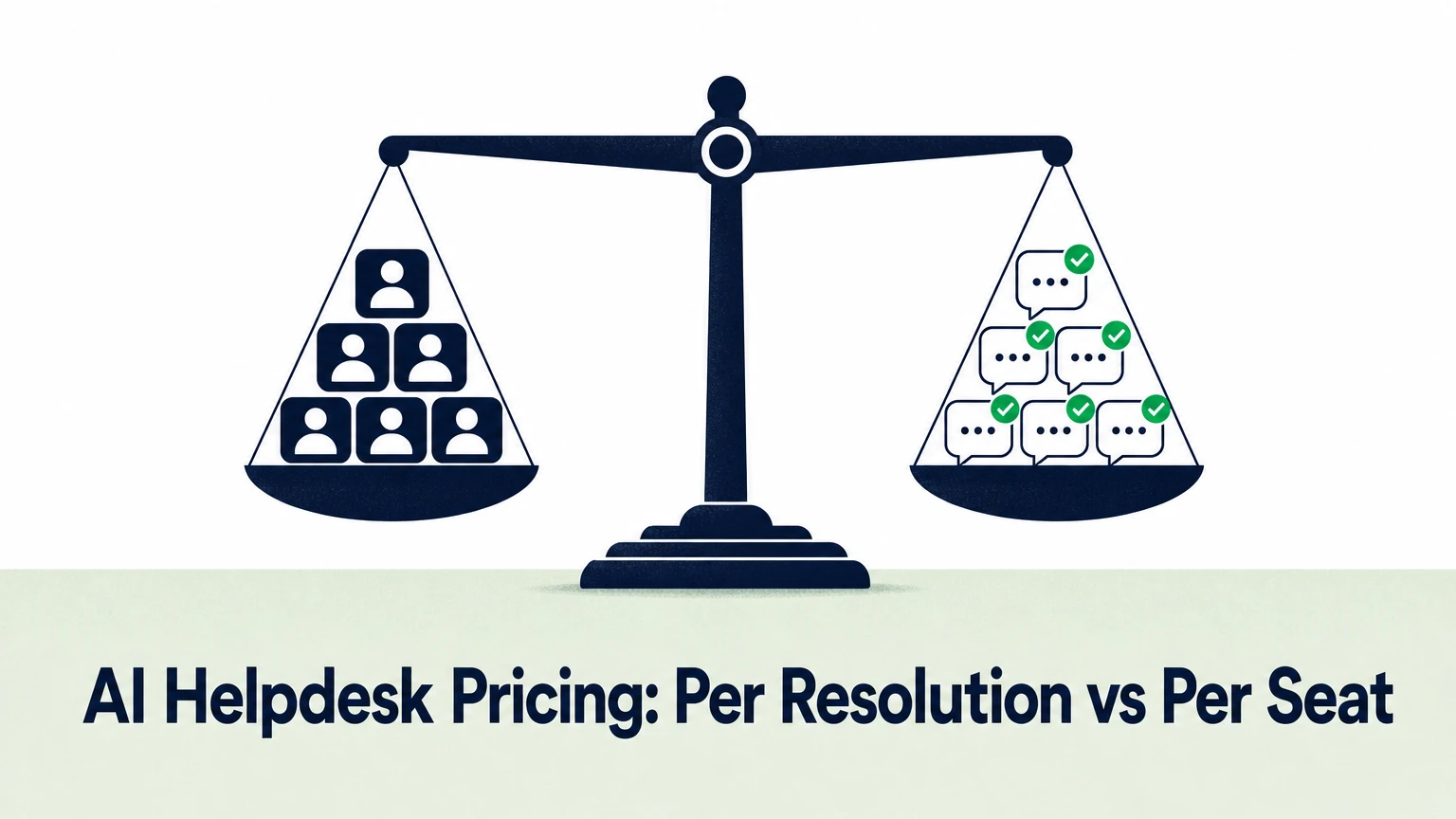
If you want a budget figure before you start, this breakdown of what an AI chatbot costs covers the main pricing models.
FAQ
What is the best AI support software for a small SaaS team?
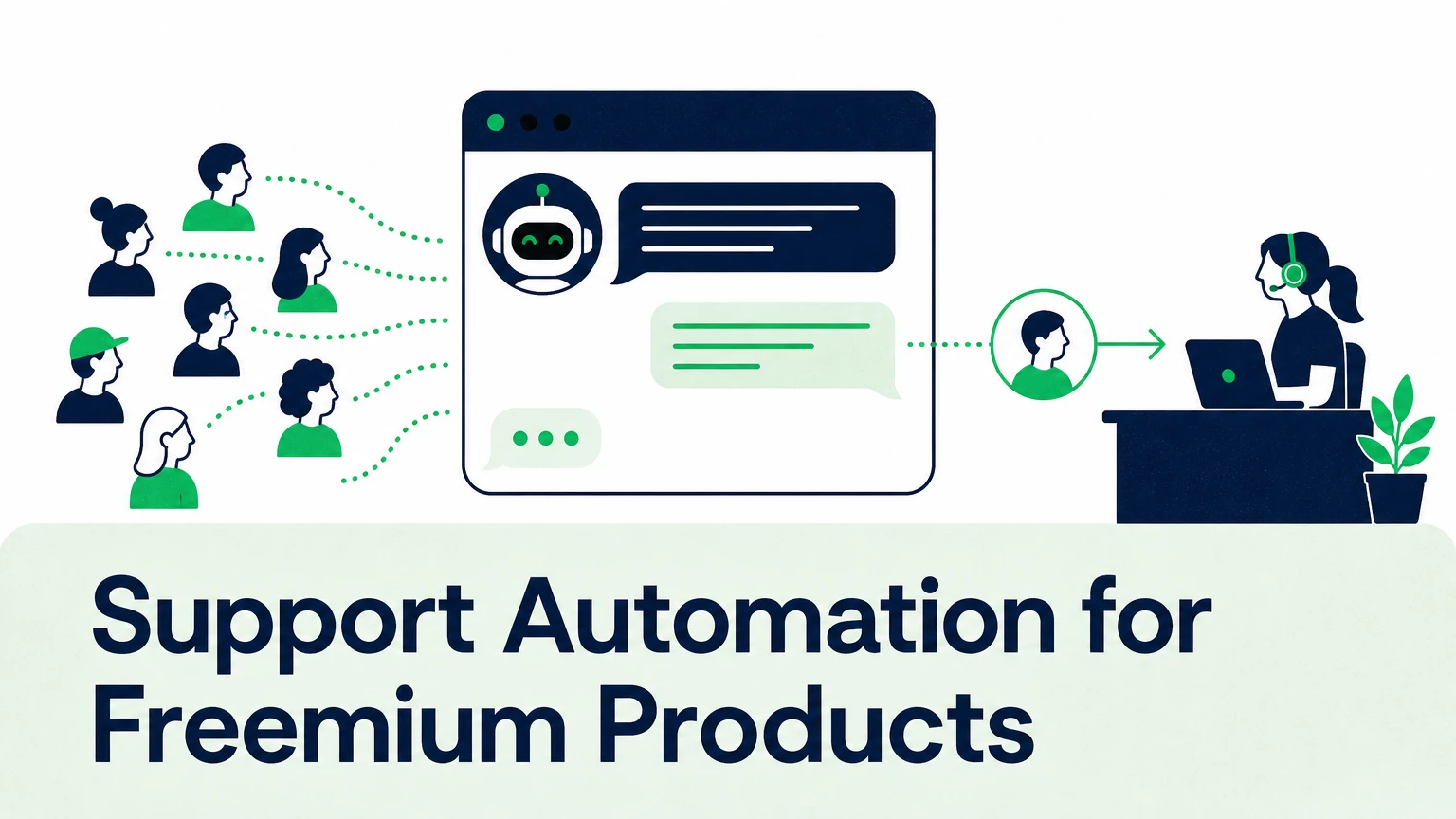
The best AI support software for a small team is one with published pricing, no-code setup, and a low entry tier. You need it to connect to your existing help center and helpdesk in an afternoon, not a quarter. Test it on your real tickets before committing, and make sure there's a clear path to human handoff so free and trial users still reach a person when the AI can't help.
Can AI customer support software replace human agents?
No, and it shouldn't try. AI handles the repetitive frontline questions — setup, billing, permissions, known errors — so your agents spend their time on complex, high-value cases. The goal is to scale support without growing headcount at the same rate as ticket volume. Good tools make escalation easy and pass the full conversation to the agent, so customers never repeat themselves.
How do AI support tools handle multiple languages?
Modern AI support tools answer in the customer's language while drawing on documentation written in one source language. The key test is consistency: product terms, policy wording, and tone should match across languages. Ask the vendor how terminology is controlled, then test a few real tickets in your second- and third-largest customer languages before rollout.
Do I need to switch helpdesks to use AI support?
Not if you choose a tool that integrates with the helpdesk you already run. Standalone AI agents and copilots connect to platforms like Zendesk, Intercom, and Freshdesk, so your ticket history, workflows, and reporting stay where they are. Switching helpdesks just to get AI features adds months of migration work for a problem integration solves.
Pick on your tickets, not on the demo
Shortlist two or three tools. Replay your real tickets. Keep the one that stays grounded and escalates cleanly.
Want to see how Ordemio answers your own support questions? Connect your help center at ordemio.com and test it on last week's tickets.